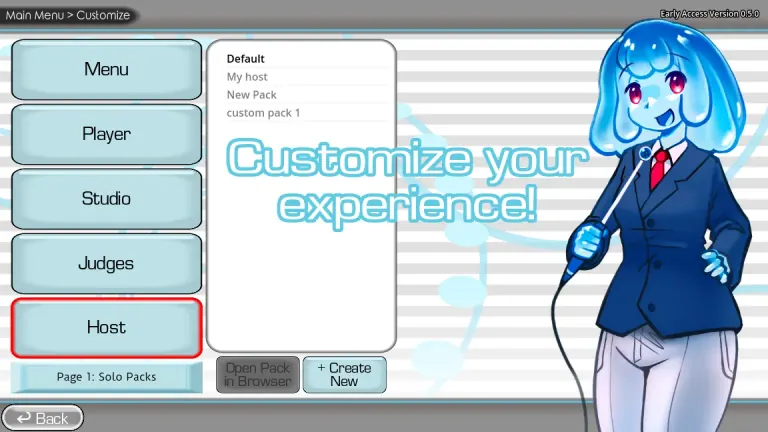
Voice-impression party game
The Choicer Voicer Game Guide
Check the current official 0.5.2 files, learn how to play, install voice packs and mods, and troubleshoot microphone recording.
- Windows and Linux
- Current 0.5.2 files
- Free microphone demo
- Local play for 1-4
The Choicer Voicer gameplay, downloads, packs, and mods
The Choicer Voicer is YeahMaybe's downloadable voice-impression party game for Windows and Linux. Players hear short character lines, record their own performances, and face a game-show presentation with computer judges, local turns, Twitch participation, or video-focused Dub Mode.
This independent guide keeps the major search tasks separate: Play explains the round and multiplayer setup; Download covers the official game, demo, mobile, APK, Steam, and desktop platforms; Packs covers voice and Dub content; Mods covers GameBanana and the unofficial manager. Help separates silent audio, microphone delay, and crashes into focused answers.
Start here
Pick the task you need now
Learn how to play
Understand prompts, recordings, judges, modes, and local turns.
OpenUse the official download
Compare the current 0.5.2 files, free mic demo, price, and platforms.
OpenInstall voice packs
Find the packs_voice folder and test clips before a full session.
OpenFix microphone recording
Separate silent audio, microphone delay, and crashes with clean repeatable tests.
OpenExplore The Choicer Voicer
Find a focused answer for playing, downloading, installing packs, choosing a mode, or fixing microphone recording.
Section 01
How to play
Learn the listen, record, playback, and judging loop before adding players or custom content.
Round: Listen, record, replay, and face the judges · Players: Solo and local play for 1-4 · Friends: Local setup or remote screen sharing · Modes: Studio, Dub Mode, and Twitch features
View section
Section 02
Official download
Compare the current 0.5.2 files, earlier 0.5.1 and dev2 files, free mic demo, and platforms.
Official: YeahMaybe on itch.io · Platforms: Windows and Linux · Price: $5 or more on the current listing · Version: Non-dev 0.5.2 files now listed
View section
Section 03
Voice and Dub packs
Find, make, edit, install, and organize supported voice and Dub packs.
Voice: Audio prompts inside packs_voice · Dub: Video, timestamps, and optional backing track · Install: Preserve each author's complete folder · Create: Use the current official pack structure
View section
Section 04
Mods and GameBanana
Compare manual mods, GameBanana packs, and the unofficial Windows mod manager.
Catalog: GameBanana creator and download pages · Types: Voice, contestant, judge, studio, chatter, and Dub · Check: Inspect archives before copying files · Manager: Use an isolated copy and preserve manual rollback
View section
Section 05
Dub, Twitch, and local modes
Choose the right mode before inviting players, viewers, or pack creators.
Studio: Perform clips and face computer judges · Dub Mode: Record voiceovers against video scenes · Twitch: Let chat participate in supported modes · Local: Up to four players on one setup
View section
Section 06
Recording and crash troubleshooting
Use controlled tests for silent recordings, mic delay, Settings crashes, and pack failures.
- 1
Test external recording and the official free demo
- 2
Use one microphone and a stereo output path
- 3
Reproduce crashes in a clean official folder
- 4
Compare 0.5.2 and earlier dev2 results without assuming the mic issue is fixed
View section
Popular questions
What players search next
Optional mini-game
Warm up your voice
Listen to a character line, record your impression, and try a short microphone round before reading the full game guides.
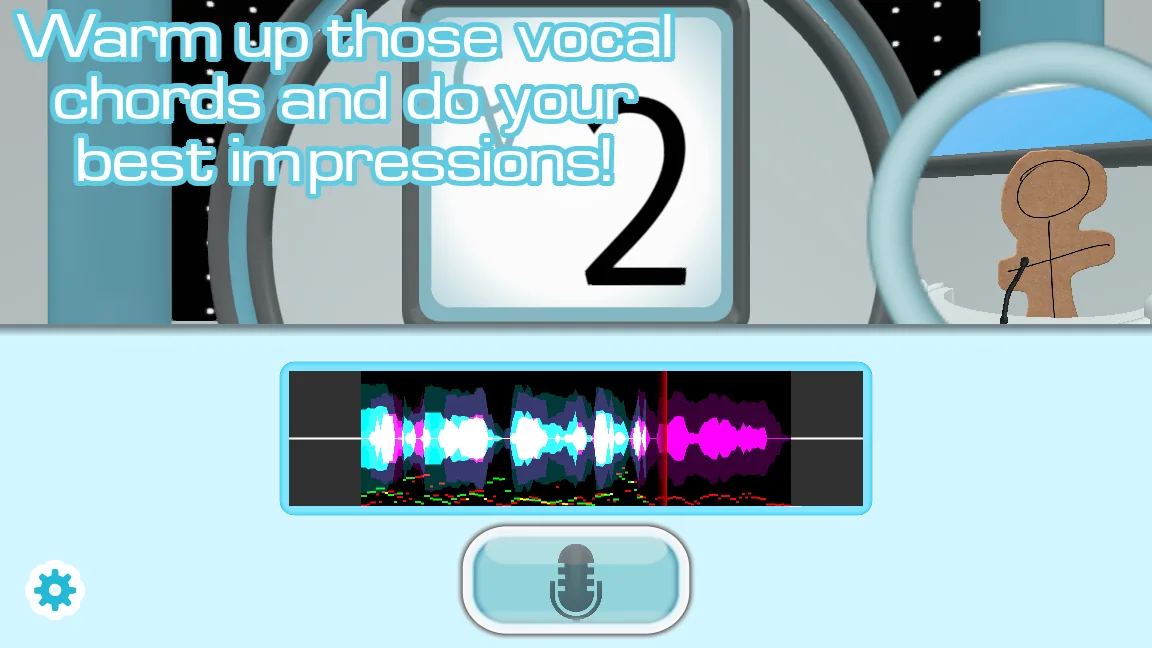
Ready. The browser game loads only after you choose to open it.
Ready for the full Choicer Voicer game?
Test your microphone first, then use the official itch.io page for the current 0.5.2 files, price, demo, and developer updates.